We design, build, and integrate production AI for distributors, manufacturers, and specialty contractors, inside the systems you already run.

Model-independent.
Platforms we build on

Google logoGoogle
OpenAI logoOpenAI
Anthropic logoAnthropic
Scale AI logoScale AI
Runway logoRunway
Glean logo
The problem

Your business already has software. Your people are still doing too much manually.

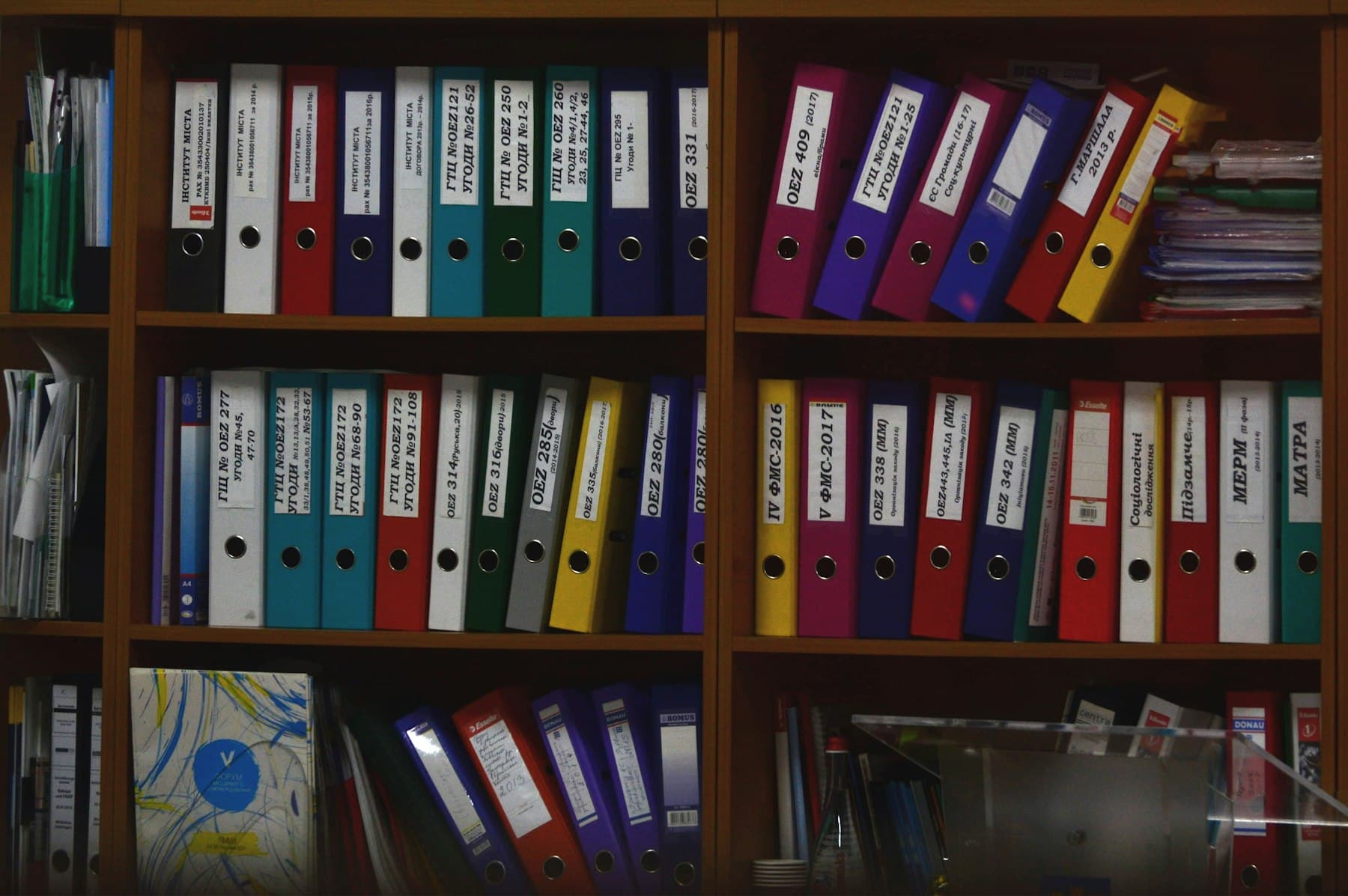
Stacks of paper files waiting to be keyed in

01 / 03

The work still moves by hand

A customer email, PDF, purchase order, or RFQ arrives. Someone reads it, retypes it into the ERP or CRM, updates a spreadsheet, and sends the reply. That is the work we automate.

  • Email
  • PDF
  • Excel
  • RFQ
  • PO
Operations analyst reviewing a spreadsheet at his desk

02 / 03

The gap is between people and systems

Integration complexity and unclear payoff are why these projects stall. We start with one workflow, connect the software you already use, and keep a person on the approval step.

  • ERP
  • CRM
  • Spreadsheets
  • Inbox
Warehouse employee checking an order on a laptop and phone

03 / 03

With Zyene, the document becomes the starting point

Email or a document comes in. AI understands it, checks your business systems, and prepares the action. A person approves when necessary. Then the ERP, CRM, or field system is updated.

  • Read
  • Check
  • Prepare
  • Approve
Industries

Three markets. One operations problem.

Different documents, the same pattern: information arrives as files, and people carry it into the systems by hand.

Explore Distribution AI
Staff walking the main aisle of a distribution center
NetSuite, Epicor, Infor, Acumatica

Wholesale Distribution

Purchase orders, order entry, RFQs, quotes, customer questions, and product data, prepared for the ERP your order desk already uses.

Explore Distribution AI

Machinist in a hard hat running a lathe
ERP, MES, quality, purchasing

Manufacturing

RFQ-to-quote work, drawings and specifications, purchasing, quality documents, SOP search, and workflows around ERP or MES.

Explore Manufacturing AI

Two site leads in hard hats reviewing a rebar deck
ServiceTitan, Procore, accounting

Specialty Contractors

Bid and RFP intake, estimating support, RFIs, submittals, change orders, job closeout, and back-office updates into ServiceTitan, Procore, ERP, or accounting.

Explore Contractor AI
Solutions

What we can build on top of the systems you already run

Document Intelligence

Unstructured files become business data

Document Intelligence

  • PDFs, POs, RFQs, invoices, contracts, drawings, spreadsheets, and email.
  • Extract the fields your workflow actually needs.
  • Hand structured information to the next system or person.
Order and Quote Automation

Request to draft transaction

Order and Quote Automation

  • Read the request and validate it.
  • Look up customers, products, inventory, or history.
  • Prepare the order or quote for review.
Workflow Agents

Read, check, prepare, escalate

Workflow Agents

  • Read the incoming work and research what is missing.
  • Check business systems before suggesting an action.
  • Update an application or escalate the exception.
ERP and CRM Integration

The systems you already run

ERP and CRM Integration

  • Connect to platforms such as NetSuite, Epicor, Infor, Dynamics, Acumatica, and SAP.
  • Also Salesforce, HubSpot, ServiceTitan, Procore, and QuickBooks where the workflow needs them.
  • The ERP or CRM stays the system of record. The workflow writes into it the way a person would.
Enterprise Knowledge

Find the procedure, not another folder
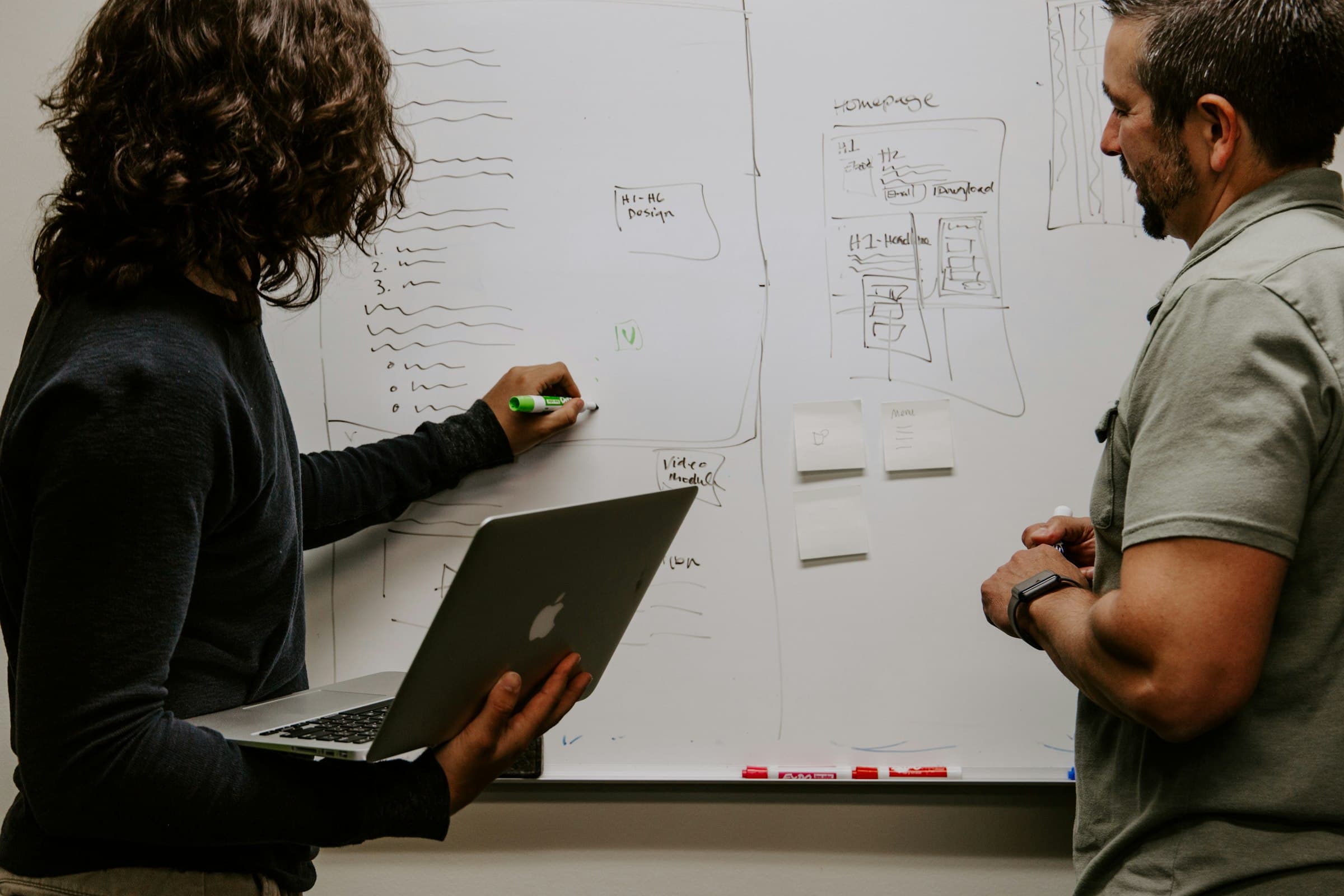
Enterprise Knowledge

  • SOPs, manuals, SharePoint, Google Drive, and company documents.
  • Answers stay tied to the source.
  • People ask an operational question and get a traceable result.
AI Operations Assessment

The lead path, before a build

AI Operations Assessment

  • Map the current workflow and the repetitive steps.
  • Check system and data access, then size the opportunity.
  • Recommend an implementation and define the pilot.
Example workflow

Purchase order automation

A purchase order arrives by email. Zyene reads it, matches the customer and items, checks pricing, and stops on anything a person should decide. Try the exception below.

Order desk / Review queue/PO 4471-208

Synthetic data
From
Dana Ruiz, Northgate Mechanical
Subject
PO 4471-208, restock for Oct 14
Received
Today, 7:42 AM

Hi team, PO attached for the Riverside job. Same pricing as last quarter please. Need it at dock 3 by the 14th.

PO-4471-208.pdf 2 pages
NORTHGATE MECHANICAL
Purchase Order
No. 4471-208
Ship: Dock 3
QTYPARTUNIT
24NM-CU-1250118.40
60NM-FT-1250E6.85
12NM-VB-10041.20
200NM-HG-1252.14
Deliver by: 10/14Terms: Net 30Job: Riverside Med. Ctr.Auth: D. Ruiz

Customer

Northgate Mechanical

C-10482

Ship to

1180 Industrial Pkwy

Dock 3

Requested

Oct 14

Ground

QtyItemCheck
  • 24Copper tube, type L, 1-1/4 in x 20 ftNM-CU-1250 → matching
  • 6090° elbow, wrought copper, 1-1/4 inNM-FT-1250E → matching
  • 12Ball valve, lead-free brass, 1 inNM-VB-100 → matching
  • 200Clevis hanger, 1-1/4 inNM-HG-125 → matching

Checking items against the customer's price list and on-hand inventory.

Subtotal $4,175.00

This is the pattern. The metric is agreed on your workflow.

Book an AI Workflow Assessment
How we work

Discover, design, build, integrate, validate, improve

  1. Discover

    Step 01

    Discover

    We map the workflow, the systems, the people, and the bottlenecks.

  2. Design

    Step 02

    Design

    We decide what AI should automate, what existing software should do, and what should stay human.

  3. Build

    Step 03

    Build

    We build the workflow with the appropriate models and integrations. We are not tied to one provider.

  4. Integrate

    Step 04

    Integrate

    We connect ERP, CRM, email, documents, and internal systems instead of replacing them.

  5. Validate

    Step 05

    Validate

    We test accuracy, exceptions, permissions, failure cases, and business rules before go-live.

  6. Deploy and improve

    Step 06

    Deploy and improve

    Production deployment, monitoring, measurement, employee feedback, and continuous improvement.

Built for production, not demonstrations.

Six principles decide every engagement, from the first assessment to the workflow your team runs every day.
Workflow-first
We begin with how the work actually happens, not with a model demo.
System-independent
We connect the ERP, CRM, email, and documents you already run.
Human-controlled
People stay in the loop wherever judgment or approval matters. Critical actions can require an employee.
Model-independent
We choose the model for the problem. The company is not tied to one provider.
Measurable
Every deployment starts with a business metric: hours, touches, exceptions, turnaround, or response time.
Production-minded
We test accuracy, permissions, exceptions, and failure cases before a workflow goes live.
Server racks and patch cabling in a dark data center

Your systems stay yours. Your people stay in control.

Security and control

Approvals, access, and logging sit inside the workflow.

01Human approval
Critical writes can wait for an employee before they reach ERP, CRM, or a field system.
02Least privilege
A workflow receives only the system access that workflow needs.
03Data isolation
One customer's operational data stays separated from another's.
04Audit logging
Prepared actions and approvals can be logged so a decision can be reviewed later.
05Provider transparency
We state which model providers receive data for a deployment, and we are not tied to one vendor.
06Scoped deployment
Work can run in your cloud, ours, or a more private setup, decided with the project.

Frequently asked questions

Wholesale distributors, SMB manufacturers, and specialty contractors that still move work by hand between email, documents, spreadsheets, and business systems.

No. We connect to the systems you already use and prepare actions for your team.

An assessment maps one workflow, the repetitive steps, system access, and a metric. Then we recommend a pilot with a human approval step where it matters.

Only if you want that. Critical actions can require an employee to approve before anything is written to ERP, CRM, or a field system.

Customer operational data is kept separated. A workflow receives only the access it needs. Important actions can be logged so a decision can be reviewed later.