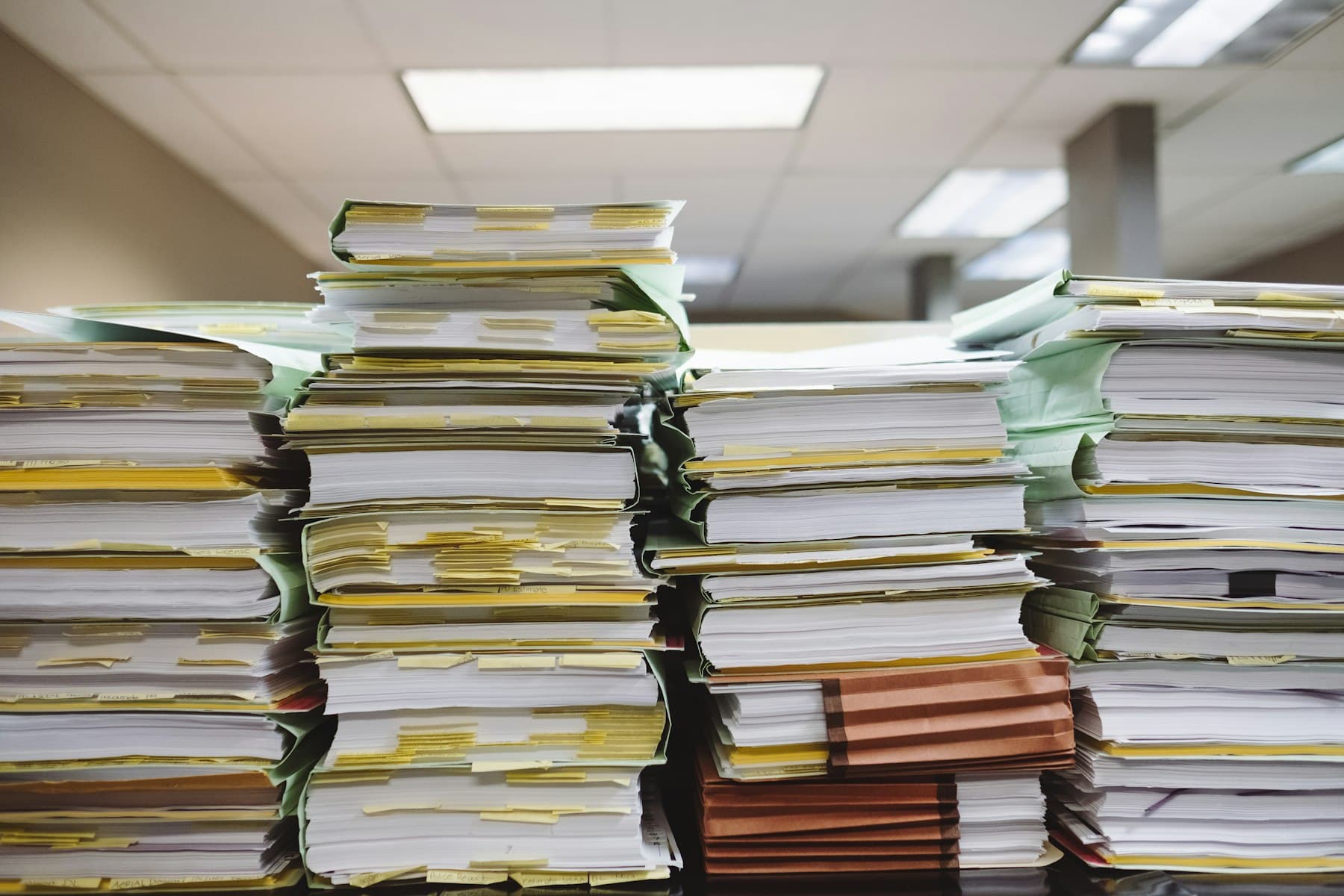
Operations run on documents your software cannot read
Every industrial business runs on paperwork that arrives from outside: customer purchase orders, RFQs, supplier invoices, packing slips, bills of lading, mill test reports, and catalogs. Each sender uses their own layout.
Template-based OCR breaks when a layout changes, so people end up reading and retyping. Extracting the text is only half the job. The data also has to be checked against the customer, item, and order records already in your ERP.
Document intelligence does both: it reads the document the way a person would, then checks it before anything moves forward.
From file to checked data
Read
By layout, without templates
Modern vision-language models read tables, line items, stamps, and notes across layouts, without a template for each sender.
Extract
The fields your workflow needs
The field list is agreed per workflow, from PO lines to heat numbers, and every value keeps a link to where it was found.
Check
Against your systems
Values are validated against your customer, item, vendor, and order records, and totals are reconciled.
Route
By confidence
Clear documents move forward. Anything uncertain goes to a person with the reason it was flagged.
Hand off
Into the next step
Structured data goes into the ERP, a review queue, or the next workflow, such as order entry or quote preparation.
Typical documents and what gets checked
The field list and checks are set for each workflow. These are common starting points.
| Document | Fields extracted | Checked against |
|---|---|---|
| Customer purchase order | Customer, PO number, lines, prices, ship-to | Customer master, item cross-reference, contract price |
| RFQ packet | Part, revision, material, finish, quantities | Past jobs and quote history |
| Supplier invoice | Vendor, invoice number, lines, totals | Open purchase orders and receipts |
| Packing slip or bill of lading | PO reference, items, quantities, carrier | Open orders and receiving |
| Mill test report or certificate | Heat number, grade, chemistry, properties | Requirements on the order |
| Supplier catalog | Item attributes, unit of measure, pack size | Product master |
Illustrative examples. The fields and checks for your workflow are agreed during the assessment.
What it reads
- PDFs, scans, spreadsheets, and email bodies
- Multi-page tables and line items
- Engineering drawings and specification sections
- Supplier and customer layouts it has not seen before
- Stamps, handwritten notes, and annotations where they are legible
- A source reference for every extracted value
Frequently asked questions
Document intelligence, also called intelligent document processing, reads business documents such as purchase orders, invoices, and RFQs, extracts the fields a workflow needs, and checks them against business systems. It replaces manual reading and retyping.
OCR turns an image into text. Document intelligence understands which text is the PO number, which rows are line items, and whether the values agree with your ERP. It also handles new layouts without a template.
No. The models read layout and context, so a new sender does not need a new template. Unusual documents are routed to a person instead of being guessed.
The document or field is flagged with the reason and sent to a person. Confidence thresholds are agreed per workflow, and important writes can always require approval.
It reads scans and photos, and handwritten notes where they are legible. Poor scans are flagged rather than forced through.
Into the next step of the workflow: a draft order or quote in your ERP, a review queue, or another system. The ERP stays the system of record.

Map one workflow that still moves by hand
We'll walk through the email, documents, and ERP around that workflow, and recommend a pilot. The systems you already run stay in place.