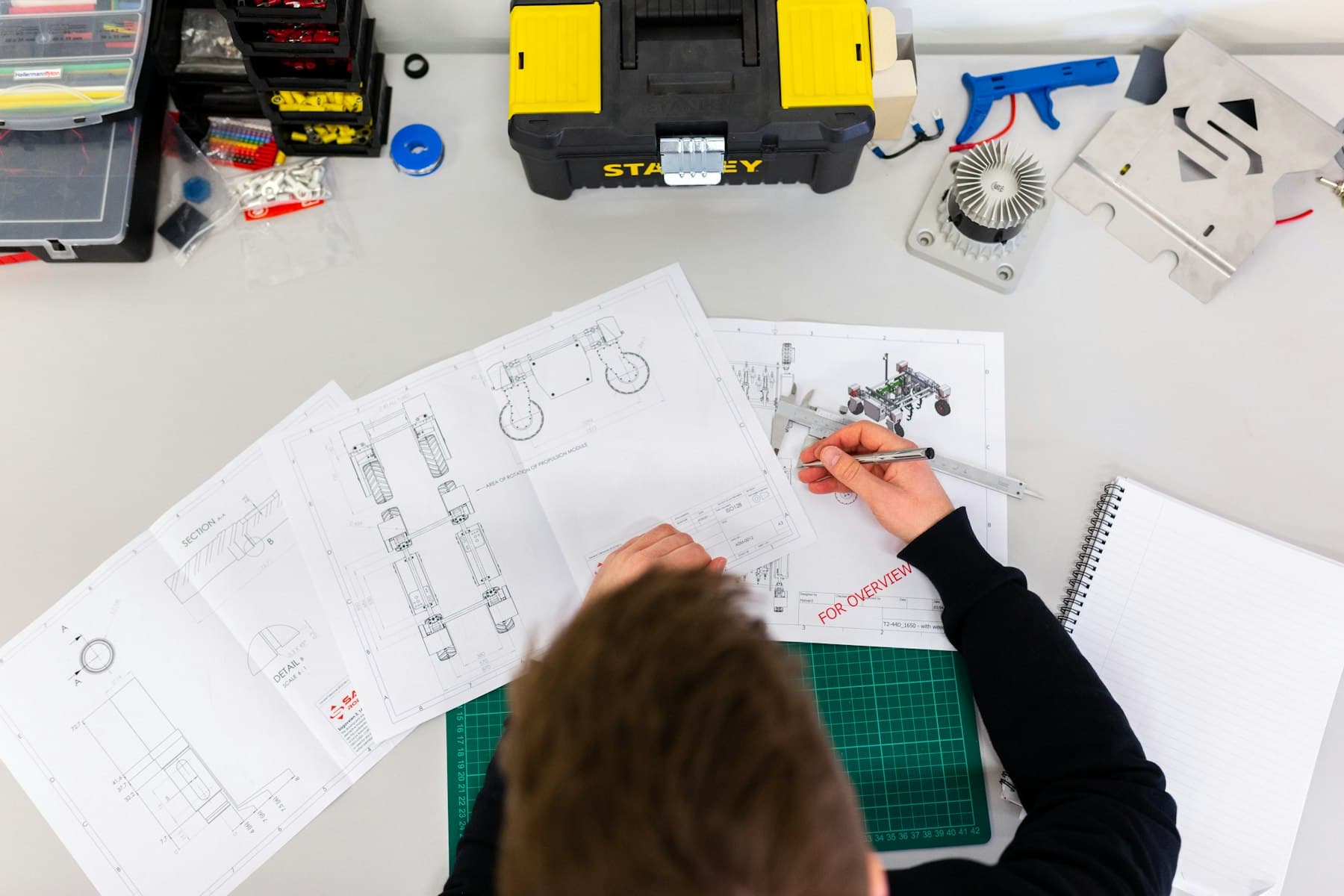
The first hour of every quote is reading
A request for quote rarely arrives as one clean document. It is an email with a drawing set, a specification, a spreadsheet of quantity breaks, and sometimes terms buried in an attachment nobody opens until later.
Before an estimator can price anything, someone has to pull out the part number and revision, material, finish, tolerances, quantities, due date, and certifications, then look for a similar job the shop has already run. That reading is skilled work, but it is not estimating.
Quotes queue behind the reading. When the response is slow, the job often goes to whoever answered first.
From RFQ packet to quote package
Read
The whole packet
Email body, PDF drawings, specifications, and spreadsheets. Title block data, notes, quantities, and requested dates are extracted with the source of each value.
Check
Against your history
Similar parts, past quotes, and job costs are found in your ERP. Missing information is flagged: no revision, an unclear tolerance, or a certification that is not stated.
Prepare
An estimator package
A summary of requirements, the flagged items, links to similar past jobs, and a draft list of questions for the customer.
Approve
The estimator prices
Pricing, routing, and the decision to quote stay with your estimator. The AI prepares the reading. It does not set the price.
Write
Into the quote record
Once approved, the quote is drafted in your ERP or quoting system, and the follow-up questions are ready to send.
An RFQ, read and organized
Halvorsen Pump sends RFQ 2210 with one drawing, a finish specification, and quantity breaks in the email. Here is what the estimator receives.
| Field | Value | Source | Status |
|---|---|---|---|
| Part / revision | HP-3307 Rev C | Drawing title block | Read |
| Material | 6061-T6 aluminum | Drawing note 2 | Read |
| Finish | Clear anodize, Type II | Finish spec, section 4.1 | Read |
| Quantities | 50 / 250 / 1,000 | Email body | Read |
| Tightest tolerance | ±0.0005 in on bore | Drawing view B | Flagged for estimator |
| Certification | Not stated | None | Question drafted to customer |
| Similar past job | HP-3301 Rev A | ERP job history | Linked |
Synthetic data for illustration. Customer, part, and job references are invented.
What the workflow can handle
- RFQ emails with PDF drawings, specifications, and quantity spreadsheets
- Title block, notes, material, finish, and tolerance extraction, with the source for each value
- Quantity breaks and requested delivery dates
- Search for similar parts, past quotes, and job costs in your ERP
- Missing or unclear requirements flagged before pricing starts
- Customer clarification questions drafted for a person to send
Connected to your ERP and quoting tools
Past jobs and costs come from the system you already run. The prepared quote goes back into it after the estimator approves.
- Epicor Kinetic
- JobBOSS²
- Global Shop Solutions
- Infor VISUAL
- NetSuite
- SAP Business One
Frequently asked questions
RFQ automation reads an incoming request for quote, extracts the requirements from the email, drawings, and specifications, and prepares them for an estimator. Zyene also finds similar past jobs in your ERP and flags what is missing before pricing starts.
No. Pricing, routing, and the decision to quote stay with your estimator. The workflow prepares the reading and the context so the estimator can price faster.
It reads PDF drawings: title blocks, notes, tables, and callouts. Anything it is not confident about is flagged with the drawing location. Native CAD geometry is a separate problem, which we scope in the assessment if it matters to your quoting.
It is built on the ERP you already run, including Epicor Kinetic, JobBOSS², Global Shop Solutions, Infor VISUAL, NetSuite, and others. Access is agreed with your administrator during the assessment.
Customer information is kept separated, and a workflow receives only the access it needs. The security page explains approvals, access, logging, and which model providers receive data.
With an AI Operations Assessment of your quoting workflow: RFQ volume, the documents you receive, where estimators spend their time, and the metric to move. It ends with a recommended pilot.
Related
- AI for manufacturersRFQs, purchasing, quality documents, and SOP search.
- Epicor Kinetic quote automationRFQs prepared into Kinetic quotes, estimator first.
- Document intelligence for drawings and specsHow documents become structured, checked data.
- Guide: getting estimators to the quote fasterWhat the first pass through an RFQ packet involves.
Map one workflow that still moves by hand
We'll walk through the email, documents, and ERP around that workflow, and recommend a pilot. The systems you already run stay in place.